> ## Documentation Index
> Fetch the complete documentation index at: https://sequin.io/docs/llms.txt
> Use this file to discover all available pages before exploring further.
# Introduction
You can use Sequin's **Management API** to develop applications that create and manage Sequin syncs, consumers, and targets. You can automate everything that you can do in the Sequin console. This includes creating, updating, and deleting syncs on behalf of your users using their provided credentials.
To use the Management API, you need to create an API key in the Sequin console.
## Create an API token
1. Log in to the console and navigate to your account settings by clicking the user icon in the top right corner and selecting **Account**.
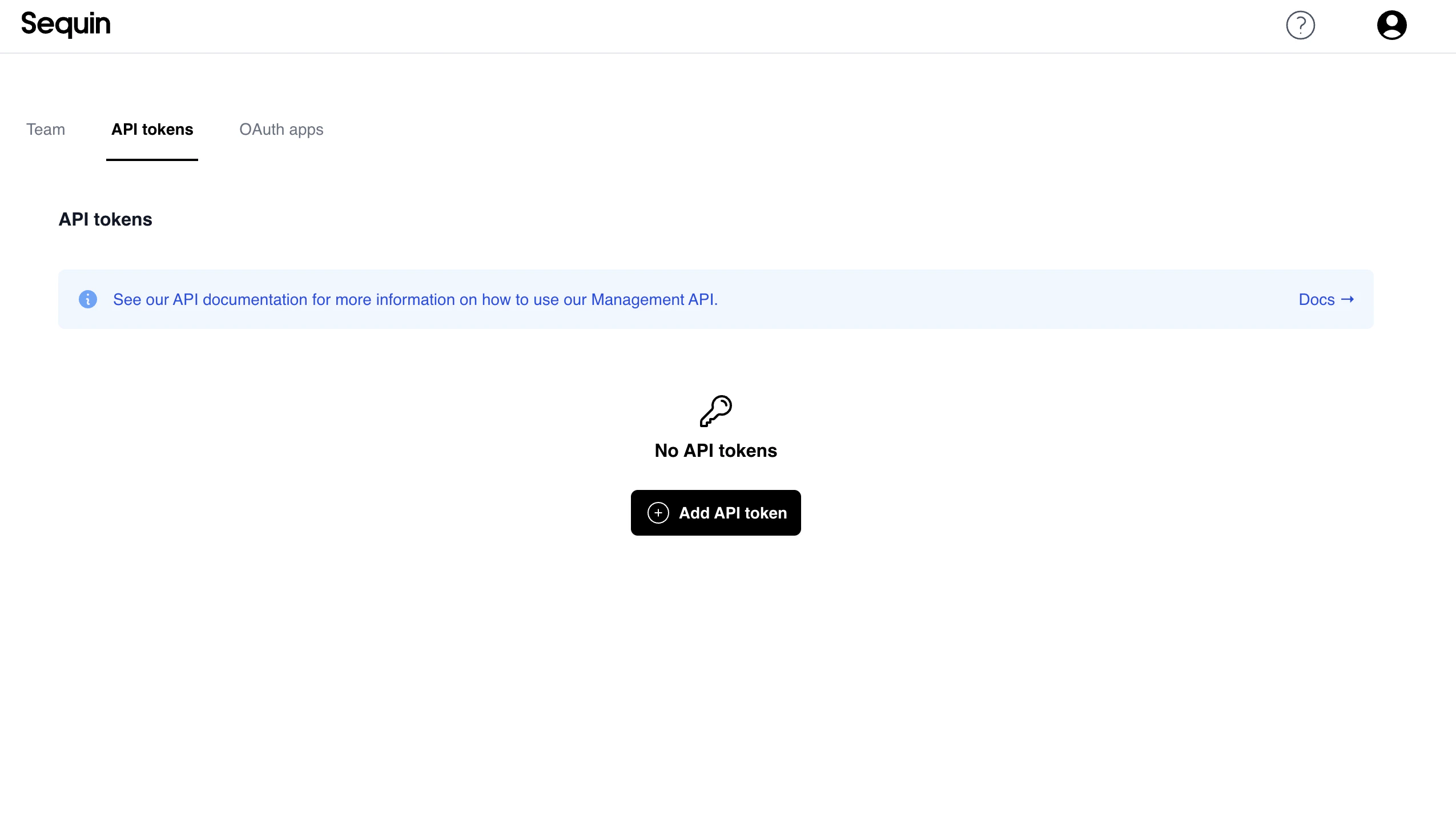
2. Select the **API tokens** tab and click the **Add API token** button:
 3. Give your API token a name and click **Create token**:
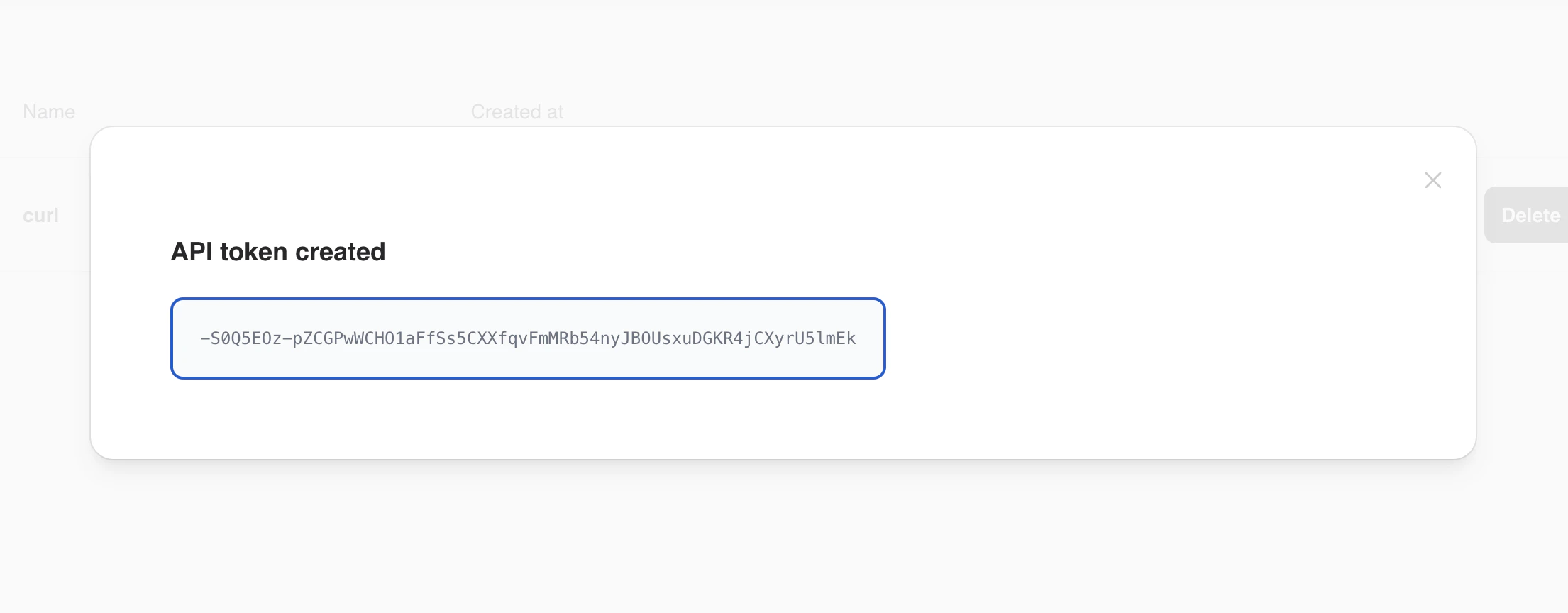
 4. Sequin will generate an API token and reveal it to you. You need to copy this key and store it somewhere safe. If you forget your API token, you will need to create a new one.